

The Ultimate Laptop Replacement Battery Guide: How to Choose, Install, and Maintain
Meta Description: Need a replacement laptop battery for Apple, Lenovo, HP, or Dell? This guide covers compatibility, SMBus decoding, cell quality, safety certifications, and installation tips.
Target Keywords: laptop battery replacement, replacement battery for laptop, Lenovo battery replacement, HP laptop battery, Dell replacement battery, MacBook battery replacement
Why Laptop Replacement Batteries Are a Growing Market
Laptops have become the primary work tool for millions of professionals worldwide. But while laptops themselves are often replaced every 3–5 years, many organizations — IT departments, refurbishment businesses, schools, and individual users — extend device lifespans by replacing degraded batteries rather than buying new machines.
The problem? Original laptop batteries are expensive, frequently out of stock for older models, and often require authorized service center visits. Replacement laptop batteries from specialized manufacturers offer a cost-effective alternative — but only if you know what to look for.
This guide covers everything from compatibility protocols to cell quality, helping you make informed sourcing decisions whether you're replacing one battery or outfitting a fleet of 500 laptops.
Understanding Laptop Battery Communication Protocols
SMBus and One-Wire Protocols
Unlike simple consumer batteries, laptop battery packs contain an embedded BMS chip that communicates with the laptop's motherboard. The major brands use different protocols:
Brand Protocol Key Functions
Apple SMBus + proprietary Battery health, cycle count, serial number verification
Lenovo SMBus + ThinkPad SMBus Charge control, capacity reporting, authenticity check
HP SMBus Battery health, calibration data
Dell 1-Wire (DS2501/DS2502) Serial number, capacity, manufacturer ID
If a replacement battery's BMS chip doesn't replicate the correct protocol, the laptop will typically:
Show "Service Recommended" or "Replace Soon" in system diagnostics
Display a permanent "Battery Not Genuine" warning at boot
Refuse to charge or charge extremely slowly
Fail to report accurate remaining capacity or cycle count
Shut down without warning when battery appears to have 20%+ remaining
Why Decoding Matters for Laptops
Among all replacement battery categories, laptops have the most visible compatibility failures. A POS terminal might show an error code that only a technician sees, but a laptop displays battery warnings directly to the user — every time they turn it on.
This is why mature BMS decoding is especially critical for laptop batteries. The replacement must replicate:
Authentication handshake — the initial "Are you genuine?" exchange at boot
Real-time capacity reporting — accurate mAh and percentage data sent to the OS
Cycle count tracking — incrementing the counter with each full charge cycle
Health status flags — normal, service recommended, replace soon, replace now
Temperature and charge rate data — used by the laptop's power management IC to adjust charging speed
A properly decoded replacement battery makes all of these functions work transparently — the user should see no difference from an original battery.
Cell Quality: The Foundation of Battery Performance
A-Grade vs. B-Grade Cells
The single biggest factor in replacement battery longevity is cell quality. Reputable manufacturers use A-grade cells from established brands like Samsung SDI, LG Chem, Panasonic (Sanyo), and CATL.
Characteristic A-Grade Cell B/C-Grade Cell
Capacity accuracy ±2% of label ±10–20% of label
Internal resistance Low (50–80mΩ) High and variable (100–200mΩ)
Cycle life (to 80% capacity) 500–1000 cycles 200–400 cycles
Self-discharge rate <3% per month 5–10% per month
Visual inspection Clean, uniform welds Possible scratches, uneven wrapping
Cell Configuration
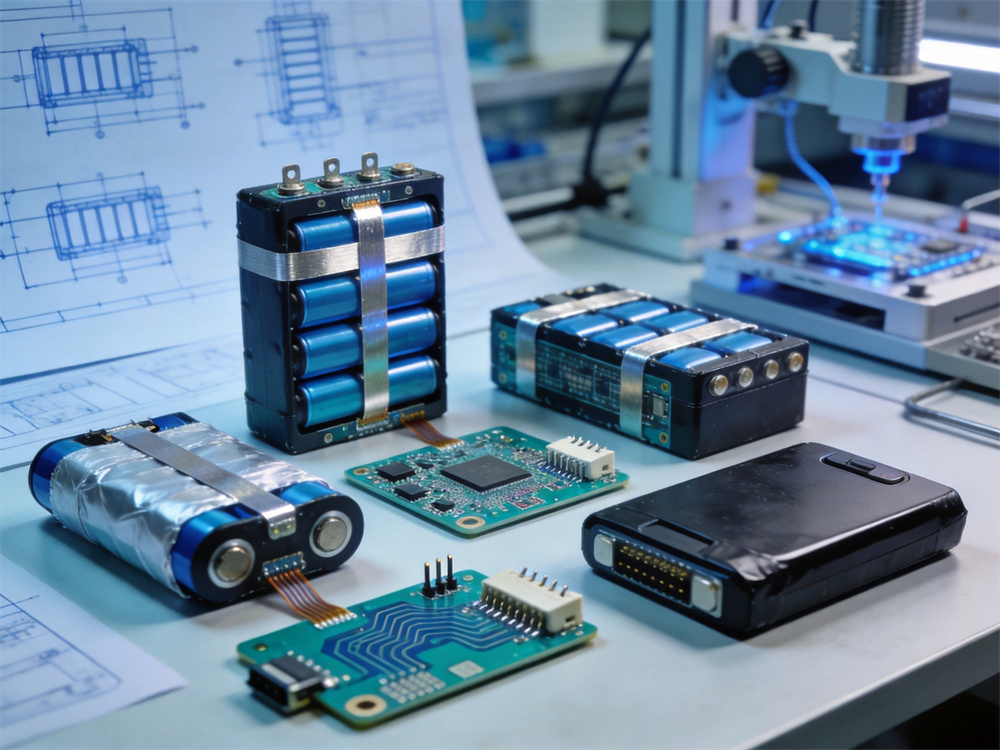
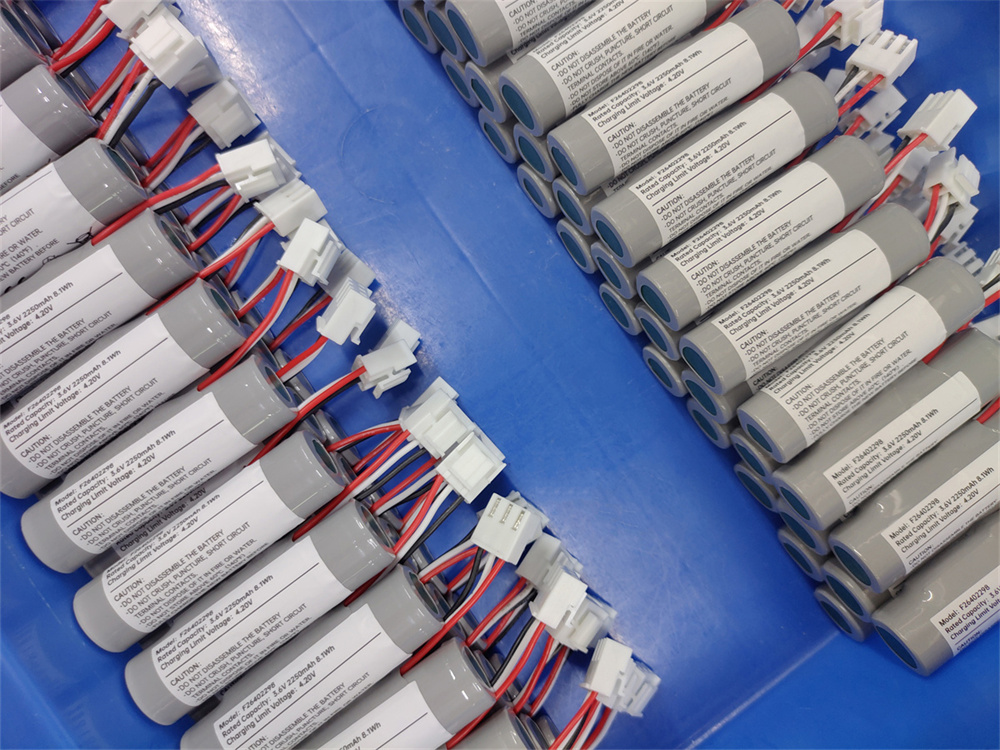
Most laptop batteries use 18650 or 21700 cylindrical cells in a 3S2P, 4S2P, or similar configuration. Some ultra-thin laptops use pouch cells instead. When evaluating a supplier, confirm they use cells that match the original specification in:
Chemistry: Most modern laptops use Li-ion (NMC or NCA). Some newer models use Li-Po. Mixing chemistries causes charging issues.
Cell count and configuration: A 3S2P pack should be replaced with a 3S2P pack. Using fewer cells reduces capacity; using mismatched cells creates imbalance.
Voltage range: The charge cutoff voltage (typically 4.2V/cell or 4.35V/cell for high-voltage packs) must match. Using cells rated for 4.2V in a 4.35V system will overcharge them.
Safety Standards and Certifications
For organizations shipping batteries internationally or operating in regulated industries, the following certifications are essential:
UN38.3: Mandatory for air freight of lithium batteries. Covers altitude, thermal, vibration, shock, external short circuit, impact, overcharge, and forced discharge tests.
CE: Required for European market. Covers electrical safety and electromagnetic compatibility.
FCC: Required for US market. Covers electromagnetic emissions.
RoHS: Restricts hazardous substances (lead, mercury, cadmium, etc.). Required for EU and many other markets.
MSDS (SDS): Material Safety Data Sheet providing handling, storage, and emergency response information.
PSE: Required for the Japanese market.
Always request current certification documents — not photocopies or generic templates. Certificates should list the specific product model and the manufacturer's name.
Installation and Calibration Tips
Proper Installation
Power off completely. Shut down the laptop — don't just sleep or hibernate. Disconnect the AC adapter.
Ground yourself. Static discharge can damage the battery's BMS chip. Use an anti-static wrist strap or touch a grounded metal surface before handling the battery.
Disconnect the internal connector carefully. Pull on the connector, not the wires. Forcing it can bend pins or damage the socket.
Insert the new battery. Ensure the connector seats fully with a gentle click. Don't force it — if it doesn't seat, check for misalignment.
Secure the battery. Reinstall any screws or brackets. A loose battery can shift during use and disconnect intermittently.
First Boot and Calibration
After installing a new replacement battery:
Charge to 100% without interruption. Leave the laptop powered off and connected to AC power until the charge indicator shows full.
Use normally on battery power. Discharge the battery through normal use until the laptop shuts down or reaches 5%.
Charge back to 100%. This completes one full calibration cycle.
Check system diagnostics. On macOS, check System Information > Power > Battery. On Windows, run powercfg /batteryreport from the command line. The report should show the new battery's design capacity and current full charge capacity — they should be within 5% of each other.
Repeat the calibration cycle every 2–3 months to keep the BMS's capacity estimates accurate.
Fleet Management: Replacing Batteries at Scale
For IT departments and refurbishment businesses managing large laptop fleets:
Batch testing. Always test a sample batch (5–10 units) across different laptop models before placing a bulk order. Some laptops have firmware variations that affect compatibility.
Track installation dates. Label each laptop with the battery installation date. Schedule replacements proactively at 24–30 months rather than waiting for failure.
Maintain a spare inventory. Keep 5–10% of your fleet size as spare batteries, stored at 40–50% charge in a climate-controlled room. This ensures zero downtime when a battery fails unexpectedly.
Standardize on one supplier. Using a single, reliable supplier simplifies warranty claims, ensures consistent quality, and builds a testing history that speeds future orders.
Document compatibility. Maintain a spreadsheet tracking which battery models work in which laptop models. Include firmware version, because firmware updates can change compatibility.
Conclusion
A quality laptop replacement battery should be indistinguishable from the original in daily use — charging normally, reporting accurate health data, and delivering the expected runtime. That level of performance requires three things: mature BMS protocol decoding, A-grade cells, and proper safety certifications.
By focusing on these criteria and working with a specialized battery manufacturer, organizations can extend laptop lifespans by 2–3 years, reduce e-waste, and cut IT hardware budgets by 40–60% compared to full device replacement.
Contact Hicellux for decoded, certified laptop replacement batteries compatible with Apple, Lenovo, HP, Dell, and other major brands — backed by 15+ years of battery manufacturing expertise and global safety certifications.